
Website Design: A Practical Guide for Small Businesses in 2025
Key Takeaways
- Modern website design in 2025 prioritizes clear messaging, fast loading speeds, and mobile-first layouts that convert visitors into customers rather than flashy visual effects.
- Planning your site structure, goals, and target audience before touching any template or builder is the single most important step for success.
- Google’s mobile-first indexing (active since 2018) and Core Web Vitals updates mean that speed, stability, and mobile usability directly affect your search rankings and user experience.
- DIY website builders and AI tools can get you started quickly, but established businesses in competitive markets often outgrow basic solutions and benefit from professional web design services.
- Businesses in Palm Beach Gardens, West Palm Beach, and the broader South Florida area can work with Granat Design for award-winning website design backed by over 25 years of experience.
What Is Website Design (And Why It Matters in 2025)?
Website design is the combination of visual layout, structure, user experience (UX), content, and technical performance that shapes how visitors experience your site. It’s not just about picking pretty colors or adding flashy animations. In 2025, effective web design means creating a digital space where people can quickly find what they need, trust your business, and take action—whether that’s calling your office, booking an appointment, or making a purchase.
As of 2025, over 60% of all web traffic comes from mobile devices. That means your website must default to mobile-first layouts with readable text, thumb-friendly buttons, and fast load times. If someone pulls up your site on their phone while standing in a parking lot, they should be able to see your hours, menu, or phone number within seconds.
Design directly impacts trust. Studies from 2023 and 2024 consistently show that users form an opinion about a website in under 0.1 seconds. If your site looks outdated, cluttered, or takes too long to load, visitors will bounce before they ever read a word about your business.
Concrete outcomes of good website design include:
- More phone calls from potential customers
- Higher form submission rates for quotes and consultations
- Increased bookings for restaurants, salons, and service providers
- Better online purchase conversion for ecommerce websites
- Stronger credibility that helps you stand out from competitors
Whether you run a dental office in Jupiter, a law firm in West Palm Beach, or a home remodeling company serving all of South Florida, your website is often the first impression you make. Make it count.
Plan Your Website Design Before You Touch a Template
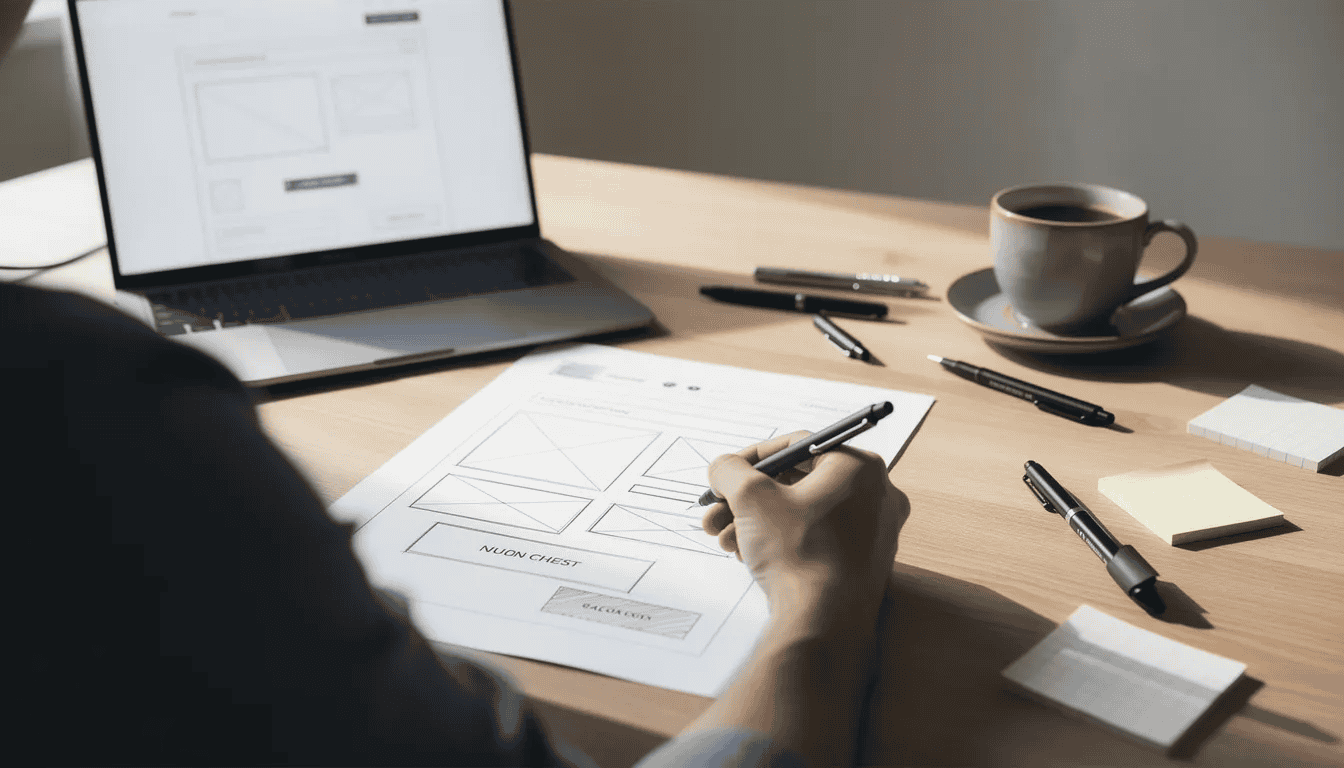
The most successful business sites in 2024 and 2025 are planned on paper (or a whiteboard) before anyone opens WordPress, Wix, or Squarespace. Jumping straight into a website builder without a clear plan is like starting a road trip without knowing your destination—you might end up somewhere, but probably not where you wanted to go.
Define your primary goal first:
- “Book a consultation” (law firms, financial advisors)
- “Request a quote” (contractors, home services)
- “Reserve a table” (restaurants)
- “Buy a product” (retail, ecommerce)
- “Schedule an appointment” (medical practices, salons)
Then add 1-2 secondary goals like newsletter signups, resource downloads, or direct phone calls.
Identify your target audience with specifics:
- Busy parents in Palm Beach Gardens looking for pediatric dentists
- Retirees in Jupiter, FL searching for financial advisors online
- Homeowners in Broward County researching kitchen remodeling contractors
- Young professionals in Miami seeking boutique fitness studios
Build a simple sitemap with concrete page names:
| Page | Purpose |
|---|---|
| Home | First impression, clear value proposition, main CTA |
| About | Your story, team, credentials, what makes you different |
| Services | Core offerings with 2-4 sub-pages (e.g., “Kitchen Remodeling,” “Bathroom Remodeling”) |
| Portfolio/Projects | Visual proof of your work |
| Blog/Resources | Helpful articles, FAQs, guides |
| Contact | Phone, email, form, location map |
Real-world example: A local restaurant planning their site might need pages for Menu, Reservations, Events & Catering, About the Chef, and Contact. Each page has a specific job. The menu page shows what’s available. The reservations page lets people book a table. No fluff, no confusion.
Choosing the Right Platform and Tools (DIY, AI, or Professional Agency?)
In 2025, business owners can pick from drag-and-drop builders like Wix, Squarespace, and Canva Websites, flexible platforms like WordPress, specialized solutions like Shopify for ecommerce, and fully custom-coded sites. Many of these now include AI-powered features that can generate layouts, draft copy, and suggest images in a few clicks.
Three realistic paths for your own website:
| Path | Best For | Pros | Cons |
|---|---|---|---|
| Pure DIY (Wix, Squarespace, Canva) | Simple sites, tight budgets, quick launch | Fast start, low upfront cost, templates included | Limited creative freedom, risk of looking generic, weak built in seo options |
| Semi-DIY (WordPress + premium theme) | Growing businesses, some tech comfort | More flexibility, thousands of plugins, own domain name control | Steeper learning curve, maintenance required, security updates needed |
| Professional web design (agency or designer) | Established businesses, competitive markets | Custom site, strategic design process, ongoing support | Higher cost, longer timeline |
Where AI fits in: Tools that let AI create layouts and draft content can speed up the early stages. But AI-generated text often sounds robotic without human editing. Google’s 2024-2025 quality guidelines emphasize helpful, original, human-centered content. Use AI as a starting point, then refine everything to sound like your actual business.
Common DIY pitfalls to avoid:
- Generic layouts that look identical to competitors
- Slow page speeds from bloated templates
- Missing SEO basics like proper title tags and meta descriptions
- Contact forms that don’t actually work or send notifications
- No clear call-to-action on the homepage
Established businesses in competitive regions—South Florida, New York, Los Angeles—often outgrow basic DIY solutions within a year or two. That’s when partnering with an experienced web designer makes the difference between blending in and standing out.
Designing a Homepage That Converts Visitors Into Customers
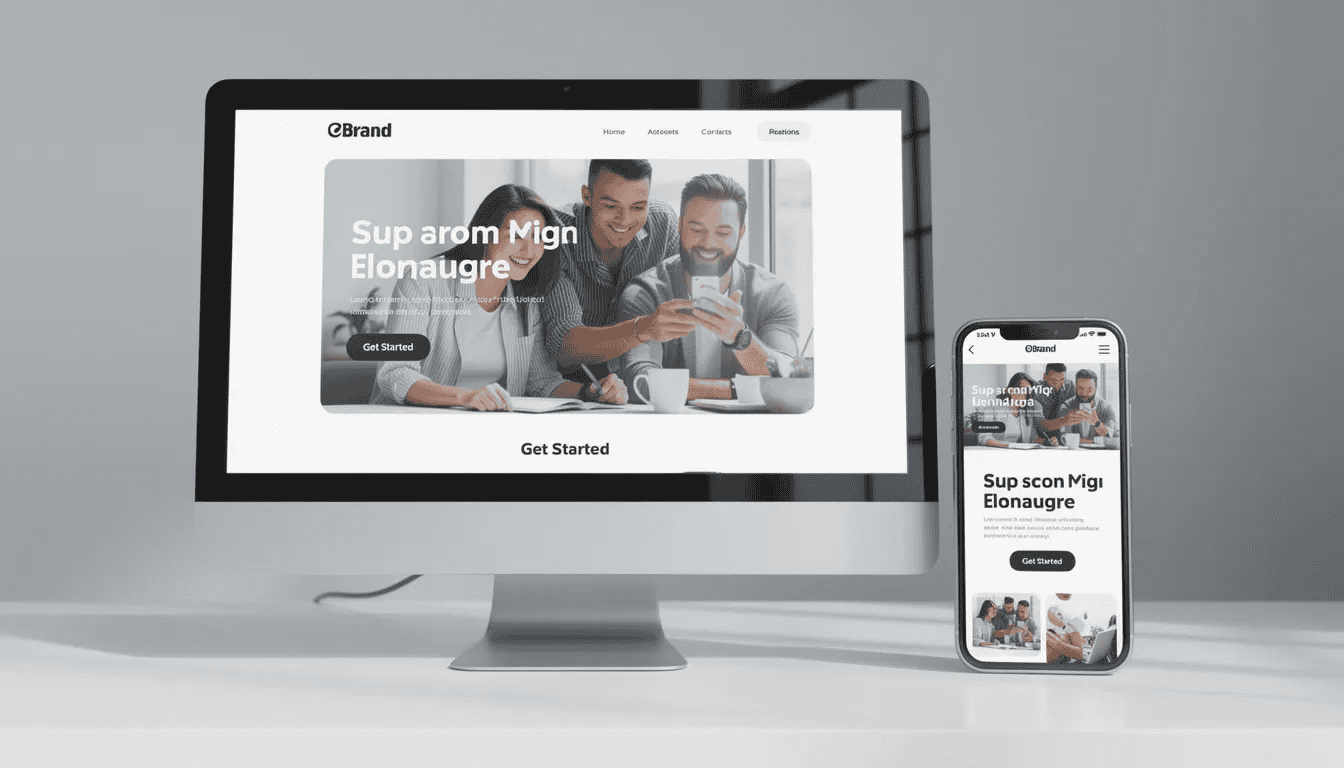
Your homepage in 2025 should function like a 15-second elevator pitch plus a roadmap to the rest of your site. On mobile screens especially, you have very limited space above the fold (the portion visible without scrolling) where roughly 80% of visitor attention lingers.
The hero section must include:
- A strong, specific headline (not vague slogans like “Welcome to Our Website”)
- Good: “Custom Website Design for South Florida Businesses Since 1999”
- Bad: “We Help You Succeed Online”
- A supporting sentence that clarifies what you do and who you serve
- One primary call-to-action button (e.g., “Schedule a Free Consultation” or “Get Your Quote”)
- An optional secondary CTA (e.g., “View Recent Projects”)
Use real photos, not stock images:
Research consistently shows that users can detect generic stock photography about 90% of the time, and it reduces trust by roughly 25%. Invest in actual photos of your office, team, and completed projects from 2022-2025. If budget is tight, a smartphone with good lighting beats a cheesy stock photo of people in suits shaking hands.
Key homepage elements beyond the hero:
- Brief “Who we are” summary (2-3 sentences, not your life story)
- Snapshot of services with links to detail pages
- 2-3 short testimonials with real names and cities
- Portfolio strip showing featured work
- Clear contact section with phone number and email visible
- Social proof elements like awards, certifications, or client logos
What to avoid:
- Auto-play videos with sound (visitors will leave immediately)
- Cluttered layouts with competing animations
- Navigation menus with 15+ items
- Vague headlines that could apply to any business
- Walls of text with no visual breaks
Visual Style: Layout, Colors, Typography, Images, and Motion
Visual consistency is what separates a dated small-business site from a modern 2025 design. Every visual element—colors, fonts, spacing, images—should reinforce your brand identity and work together as a unified system.
Layout fundamentals:
- Use grid-based layouts with generous white space (negative space improves scannability)
- Stick to 1-2 column layouts on mobile devices
- Use 2-4 columns on desktop for services, portfolios, and team sections
- Follow visual hierarchy principles: larger elements draw attention first
- Apply the Rule of Thirds for dynamic, balanced compositions
Color palette rules:
- Limit yourself to 1-2 primary brand colors plus neutrals
- Example: Navy and teal for a financial firm, warm earth tones for a spa
- Test color combinations for accessibility (WCAG AA requires 4.5:1 contrast ratio for text)
- Avoid neon-on-neon combinations that strain eyes and fail accessibility checks
Typography best practices:
| Element | Recommendation |
|---|---|
| Body text | Minimum 16px on mobile, simple sans-serif fonts |
| Headings | One consistent heading font, clear hierarchy (H1 > H2 > H3) |
| Line spacing | 1.5x for comfortable reading |
| Font limit | Maximum 2 font families per site |
Images, video, and motion:
- Use real project photos and before/after galleries
- Add short testimonial videos when possible (builds trust significantly)
- Apply subtle animations like fade-ins and hover effects
- Keep file sizes optimized—large images kill page speed
- Avoid auto-playing videos and excessive motion that can cause discomfort
Designing for Mobile-First and Accessibility
Mobile-first design isn’t optional in 2025—it’s the baseline expectation. Google has used mobile-first indexing since approximately 2018, meaning your mobile site is what Google primarily evaluates for rankings.
Mobile-first checklist:
- Stacked single-column layouts for content sections
- Thumb-friendly buttons (minimum 44×44 pixels tap targets)
- Minimal text walls—break up paragraphs into 2-3 sentences max
- Click-to-call phone links that work instantly
- Hamburger or tabbed navigation that’s easy to access
- Fast load times even on 4G connections
Accessibility essentials:
- Sufficient color contrast between text and backgrounds
- Alt text on all important images (also helps SEO)
- Logical heading structure (one H1 per page, sequential H2s and H3s)
- Keyboard-friendly navigation for users who can’t use a mouse
- Avoid relying solely on color to convey information
Real scenario: A restaurant website must let users see hours, menu, and location within seconds on a smartphone. Someone standing in a parking lot deciding where to eat won’t scroll through five paragraphs of your founding story first.
Content That Sounds Human (and Works With, Not Against, AI)
In 2024 and 2025, search engines are prioritizing helpful, original, human-centered content. Google’s quality guidelines emphasize Experience, Expertise, Authoritativeness, and Trustworthiness (E-E-A-T). Even as AI-generated text becomes common, content that sounds authentically human wins.
Write like you talk to customers:
- Use “you” and “we” naturally
- Mention your city or region (Palm Beach Gardens, South Florida, Broward County)
- Answer the questions clients actually ask on phone calls
- Include specific project examples with dates and details
- Avoid corporate buzzwords and empty phrases
Using AI as a drafting tool:
AI can help outline pages, brainstorm headings, and generate first drafts. But you must refine everything with:
- Real project examples from 2023-2025
- Specific client stories (anonymized if needed)
- Local details only you would know
- Your actual voice and personality
The goal is content that passes what I call the “phone call test”—would this sound natural if you said it to a customer over the phone?
Structuring service pages:
- Open with the main problem your service solves
- Explain your process simply (discovery, design, build, launch)
- Include pricing signals or ranges when appropriate
- Add 1-2 short case-study style blurbs
- End with a clear call-to-action
Blog and Resource Pages That Build Trust
Adding a blog or resources section in 2025 isn’t about pumping out content for its own sake. It’s about answering real questions that clients ask you on phone calls and emails—questions like “How much does a small business website cost in Florida?” or “How long does a website redesign take?”
Blog topic ideas for website design businesses:
- “What to Prepare Before Hiring a Web Designer (2025 Checklist)”
- “How Long Does a Website Redesign Actually Take?”
- “Website Photography Tips for Small Businesses”
- “5 Signs Your Website Needs a Refresh”
- “Understanding Website Maintenance: What’s Included?”
Blog structure guidelines:
- Clear introduction that states what readers will learn
- Scannable subheadings every 200-300 words
- Bullet points and numbered lists for key information
- Short paragraphs (3-4 sentences maximum)
- Call-to-action at the end linking to contact or service pages
- Plain English throughout—no jargon

SEO and Performance Essentials for Modern Website Design
A beautiful design isn’t enough if no one can find your website—or if it takes more than 2-3 seconds to load on a typical 4G or 5G connection. Google’s research shows that 53% of mobile users abandon sites that take longer than 3 seconds to load.
On-page SEO basics:
| Element | Best Practice |
|---|---|
| Title tags | Unique for each page, include primary keyword, under 60 characters |
| Meta descriptions | Compelling summary, 150-160 characters, include keyword naturally |
| Headings | One H1 per page, use H2s and H3s hierarchically |
| Internal links | Link between related pages to help users and search engines navigate |
| Image alt text | Descriptive text for every meaningful image |
| URL structure | Clean, readable URLs with relevant keywords |
Technical performance essentials:
- Compress all images before uploading
- Use modern formats like WebP where supported
- Minimize heavy JavaScript and third-party scripts
- Choose reliable hosting with good uptime and speed
- Enable browser caching and content delivery networks (CDNs)
- Ensure HTTPS is active (security is a ranking factor)
Core Web Vitals explained simply:
Google’s Core Web Vitals (rolled out since 2020-2021) measure real user experience:
- LCP (Largest Contentful Paint): Main content should load in under 2.5 seconds
- INP (Interaction to Next Paint): Pages should respond to clicks in under 200ms
- CLS (Cumulative Layout Shift): Elements shouldn’t jump around as the page loads (keep under 0.1)
These metrics directly affect your search rankings. A good website isn’t just pretty—it’s fast and stable.
Local SEO Considerations for Service Businesses
Local businesses—restaurants, salons, contractors, medical practices, attorneys—need website design that supports local SEO specifically.
Local SEO checklist:
- Display NAP (Name, Address, Phone) consistently across all pages
- Embed Google Maps on your contact page
- Include your service area in content naturally (e.g., “serving Palm Beach Gardens, Jupiter, and West Palm Beach”)
- Ensure your business information matches your Google Business Profile exactly
- Add schema markup for local business (helps search engines understand your location)
City and neighborhood pages:
You can create location-specific landing pages, but only if they contain unique, helpful content. Thin duplicate pages with just the city name swapped out violate Google’s quality guidelines and can hurt your rankings.
Cross-platform consistency:
Your business name, address, and phone number should be identical on:
- Your website
- Google Business Profile
- Facebook page
- Yelp, industry directories, and local listings
Inconsistencies confuse search engines and customers alike.
From Launch to Long-Term Success: Measuring and Improving Your Website
A website is not a one-time project you finish and forget. Businesses that succeed in 2025 treat their site as a living asset they update based on real data and client feedback. The launch is just the beginning.
Set up basic analytics from day one:
- Google Analytics 4 for tracking page views, traffic sources, and user behavior
- Google Search Console for monitoring search performance and indexing issues
- Goal tracking for conversions (form fills, phone clicks, purchases)
First 6-12 months improvement ideas:
| Timeframe | Action |
|---|---|
| Month 1 | Review analytics weekly, fix any broken links or forms |
| Month 2-3 | A/B test headlines and call-to-action buttons |
| Month 4-6 | Update photos if any are older than 2022, add new testimonials |
| Month 6-9 | Rewrite underperforming pages based on traffic and bounce rate data |
| Month 9-12 | Add new FAQs and resources based on common client questions |
Use real feedback as your guide:
When customers call confused about pricing, add clearer pricing information to your site. When prospects ask the same question repeatedly, create a resource page or FAQ entry. Your website should evolve based on what your audience actually needs.
Track what matters:
- Form submissions and phone call clicks
- Time on page for key service pages
- Bounce rate (especially on mobile)
- Search rankings for important keywords
- Conversion rate from visitor to lead
Why Work With a Professional Website Design Studio Like Granat Design?
While DIY tools are more powerful than ever, many businesses in competitive regions eventually need a partner who handles strategy, design, development, and ongoing optimization. Building an amazing website takes more than dragging and dropping elements—it takes understanding your industry, your customers, and your goals.
Granat Design is a multi-award-winning creative graphic design studio based in Palm Beach Gardens, Florida. We’ve been serving South Florida businesses for over 25 years, helping companies across the region build credibility and stand out from their competition.
Our core services:
- Professional website design and complete redesigns
- Custom website design tailored to your specific business needs
- Logo design and brand identity development
- Facebook advertising campaigns
- Search Engine Optimization (SEO)
- Google PPC advertising management
- Graphic design for print and digital materials
What typical projects look like:
We’ve helped a local medical practice redesign their website in 2023 to improve appointment bookings through clearer calls-to-action and mobile-optimized forms. We’ve built ecommerce websites for boutique retailers looking to expand beyond their South Florida storefronts. We’ve created cohesive brand identities for professional service firms that needed to look as credible online as they are in person.
Every project starts with understanding your business—your customers, your competitive edge, your goals. Then we translate that understanding into thoughtful website design that actually drives traffic and converts visitors into customers.

How Granat Design Approaches Website Design Projects
Our design process is built around getting real results, not just making something that looks nice in a portfolio.
Our step-by-step process:
- Discovery call — We learn about your business, audience, and goals
- Strategy and sitemap — We plan the structure and user flow
- Wireframes — We outline page layouts before adding visual design
- Visual design — We create the look and feel aligned with your brand
- Development — We build the site with clean code and best practices
- Content integration — We add your copy, images, and videos
- Launch — We publish your site and handle technical setup
- Post-launch support — We provide training, updates, and ongoing help
We balance aesthetics with conversion goals. Every layout, button, and form is considered in terms of how it helps visitors become leads or customers. We integrate SEO best practices from day one—not as an afterthought—and we test across all common screen sizes to ensure your site works perfectly on desktops and mobile devices alike.
Ready to elevate your online presence?
Contact us to schedule a conversation about your website redesign or new project:
- Phone: 561.909.7601
- Email: [email protected]
Whether you’re in Palm Beach Gardens, West Palm Beach, Miami, or anywhere in the United States, we’d love to help you create a website that works as hard as you do.
Frequently Asked Questions About Website Design
How long does it take to design a small business website?
A typical brochure-style business website takes 4-10 weeks from kickoff to launch, depending on complexity, how quickly you can provide content and feedback, and how many revision rounds are needed. Larger ecommerce websites or sites with custom features may take 3-4 months. We always recommend discussing your specific timeline during an initial consultation so we can set realistic expectations.
How much does a professional website typically cost in 2025?
Website design costs vary widely based on complexity. Simple template-based sites might run $2,000-$5,000, while custom business websites typically range from $5,000-$15,000. Large ecommerce sites or sites with advanced functionality can exceed $25,000. The key is understanding what you’re getting for the investment—cheap sites often cost more in the long run due to poor performance, weak SEO, and constant fixes.
What do I need to prepare before working with a web designer?
The more prepared you are, the smoother the process. Ideally, gather your logo files, brand colors, existing photography, a list of services you want to highlight, competitor websites you like (and dislike), and any written content you already have. Don’t worry if you don’t have everything—a good designer will guide you through what’s needed.
Can I update my website myself after it’s launched?
Yes, most modern websites are built on content management systems (like WordPress) that allow non-technical owners to make day-to-day content changes—updating text, swapping photos, adding blog posts. However, larger changes to layout, functionality, or design typically require professional help. We provide training after launch so you’re comfortable making basic edits on your own.
What about ongoing maintenance, security, and backups?
Websites require regular maintenance to stay secure and perform well. This includes software updates, security monitoring, regular backups, and occasional plugin updates. Many businesses either handle this themselves (if comfortable) or work with their designer on a maintenance plan. Neglecting maintenance can lead to security vulnerabilities, broken features, and performance issues over time.